
Konekt.
A home station that helps people find local connections again after they retire. It is operated with a stone instead of touch.
- Duration
- 1 semester · Summer 26, Invention 1 and Product Design 3
- Team
- Ajana Windisch, Mei Fornefeld, Paula Grimm, Cosima Bühler
- Tools
- Figma, VS Code with Claude Code, Arduino, Raspberry Pi, ESP32, 3D printing
- my role
- Idea, concept, information architecture, process organisation, web app and system architecture
In Short
Konekt is a home station that shows what is happening nearby and makes it easier to take the step to get there. It is operated with a stone instead of touch, so it also works without any smartphone skills. We developed it for people who are just retiring.
Starting Point
Overview
In the course Invention 1 with Prof. Michael Schuster, the task was to find a problem ourselves and develop a solution for it. We worked across disciplines: three students of interaction design and one of product design.
People move far more often today than they used to. Whoever moves has to build a new circle of friends, and whoever stays loses family and friends who move away. At the same time, everyday comfort makes us less dependent on each other.
New technology should also tackle problems that technology has helped create. Instead of yet another app that follows you everywhere, we wanted to develop a physical product for the home.
Target Group & Personas
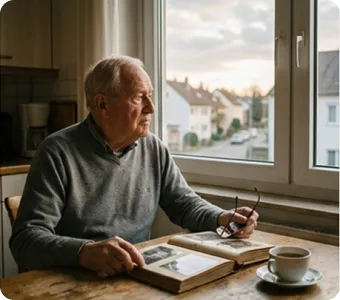
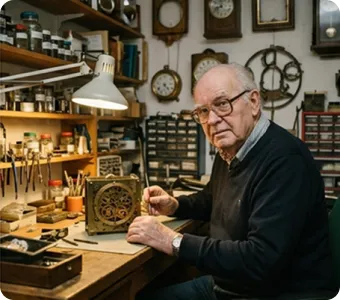
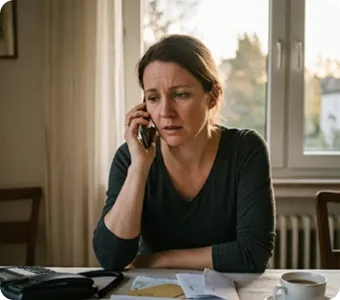
Loneliness affects many stages of life. So we looked at several groups, including teenagers. We were most interested in the start of retirement, because hardly any other transition changes social life as much. Several anchors fall away at once: work and with it colleagues, routine and everyday life. In return, there is suddenly a lot of free time waiting to be filled. A look at existing products showed that nothing comparable existed yet.
So our target group is people between 65 and 95. In 2024 that was around 19 million people in Germany, and about one in three of them lives alone. We deliberately wanted people with unsteady fine motor skills, for example because of a tremor, to be able to use the device well too. That strongly shaped the interaction.

Concept
Concept
Konekt is a central point of contact that anyone can use. It shows older people what is happening around them and makes it easier to take the step to get there.
- Visibility: All events nearby, gathered in one place.
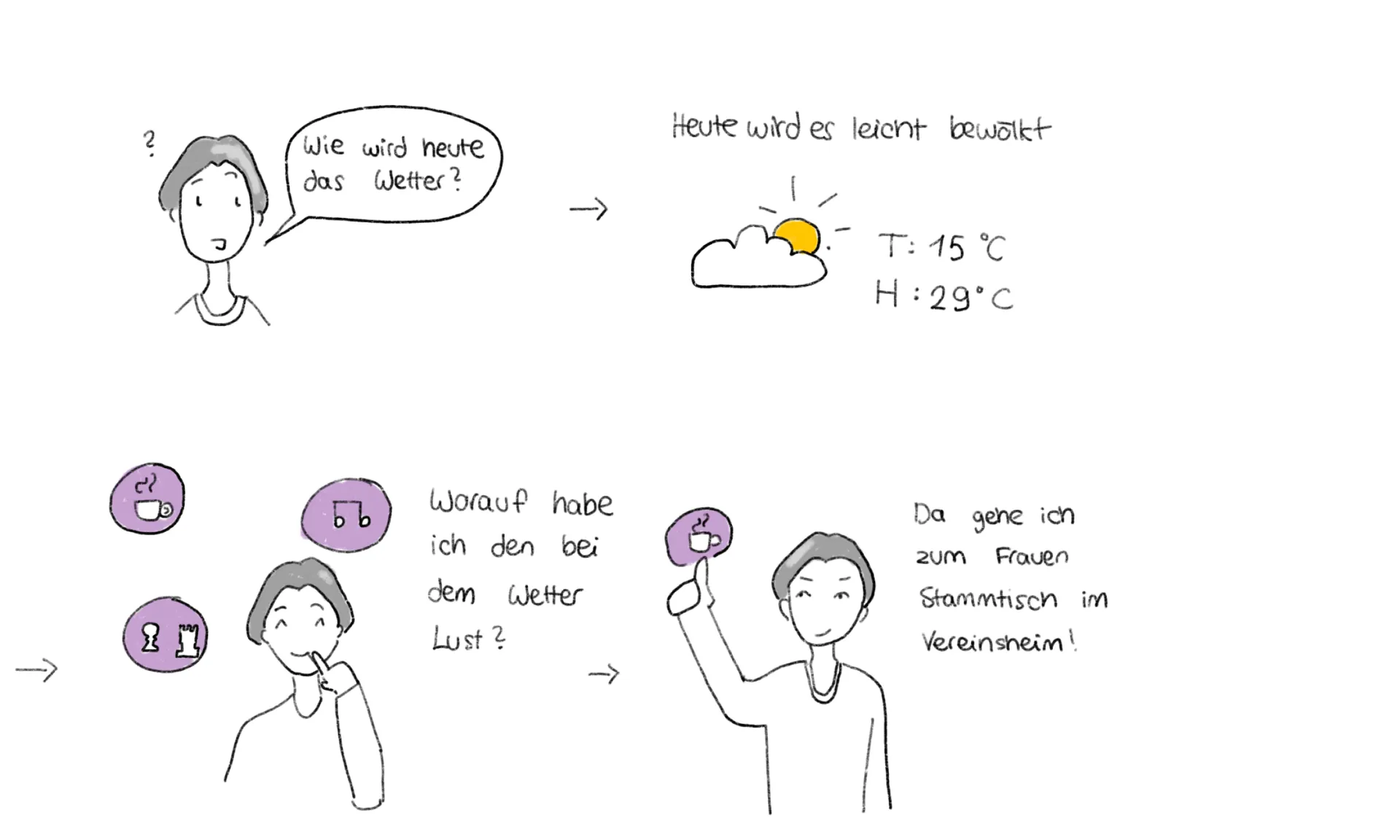
- Inhibition: If you know beforehand who will be there, you are more likely to go.
- Accessibility: A community only grows if nobody is left behind. So the medium has to be usable by everyone, with or without a smartphone.
Interaction Principle
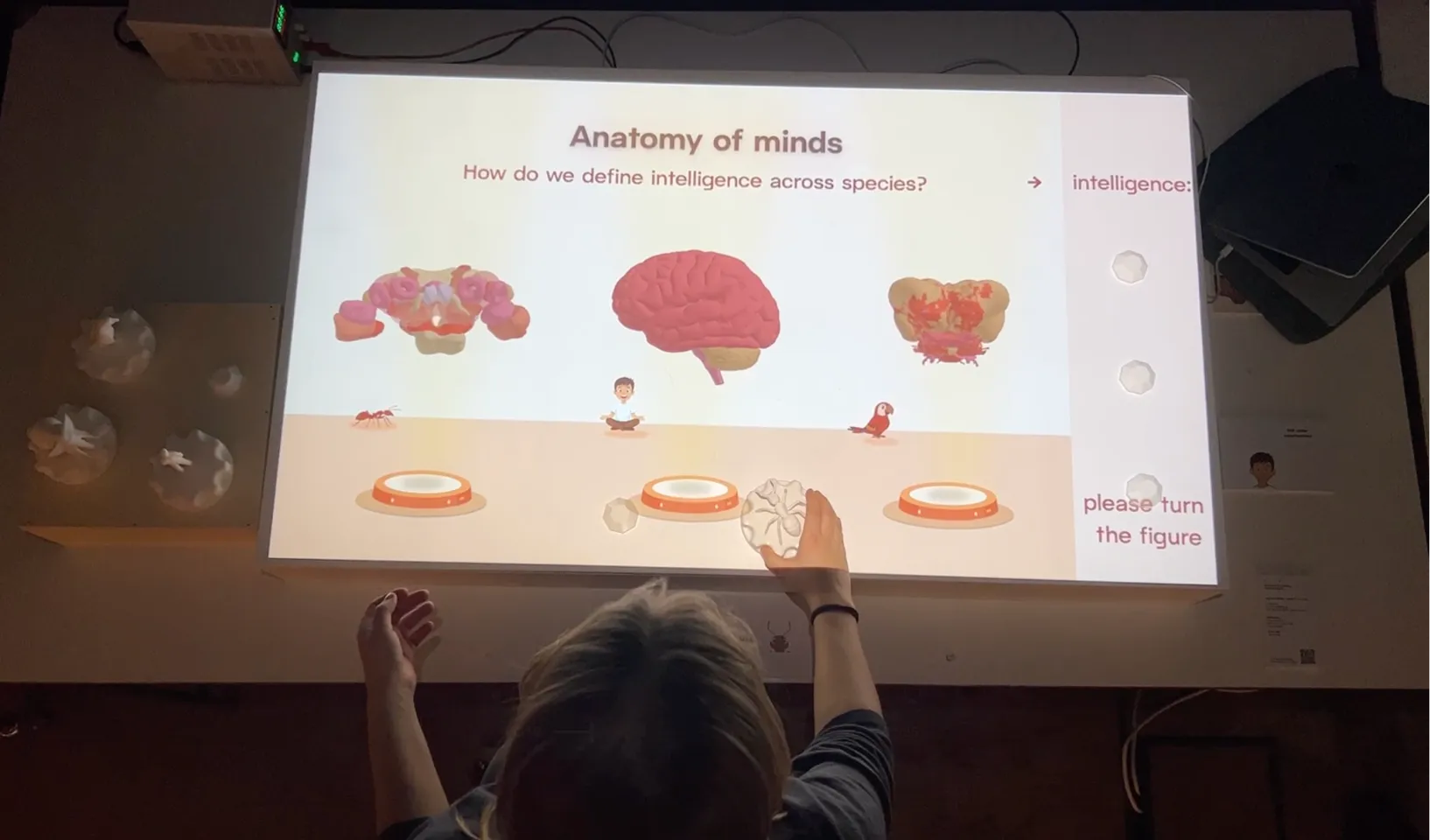
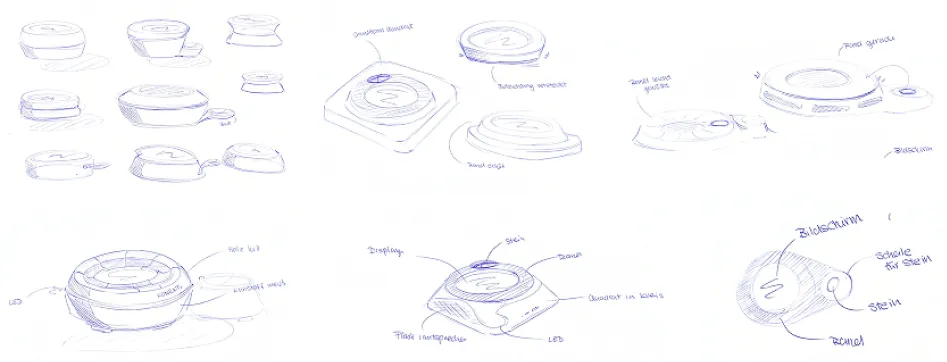
Our goal was to bring digital content into the tangible world: the device should be operated by placing something. Ideation rounds such as Crazy 8s produced many, sometimes very wild ideas. An early idea with several bowls quickly became too complicated. What remained was the simplest: a single stone that you put down and guide along the edge of a round display. The circular movement is intuitive, and just three gestures control everything.
1 Place
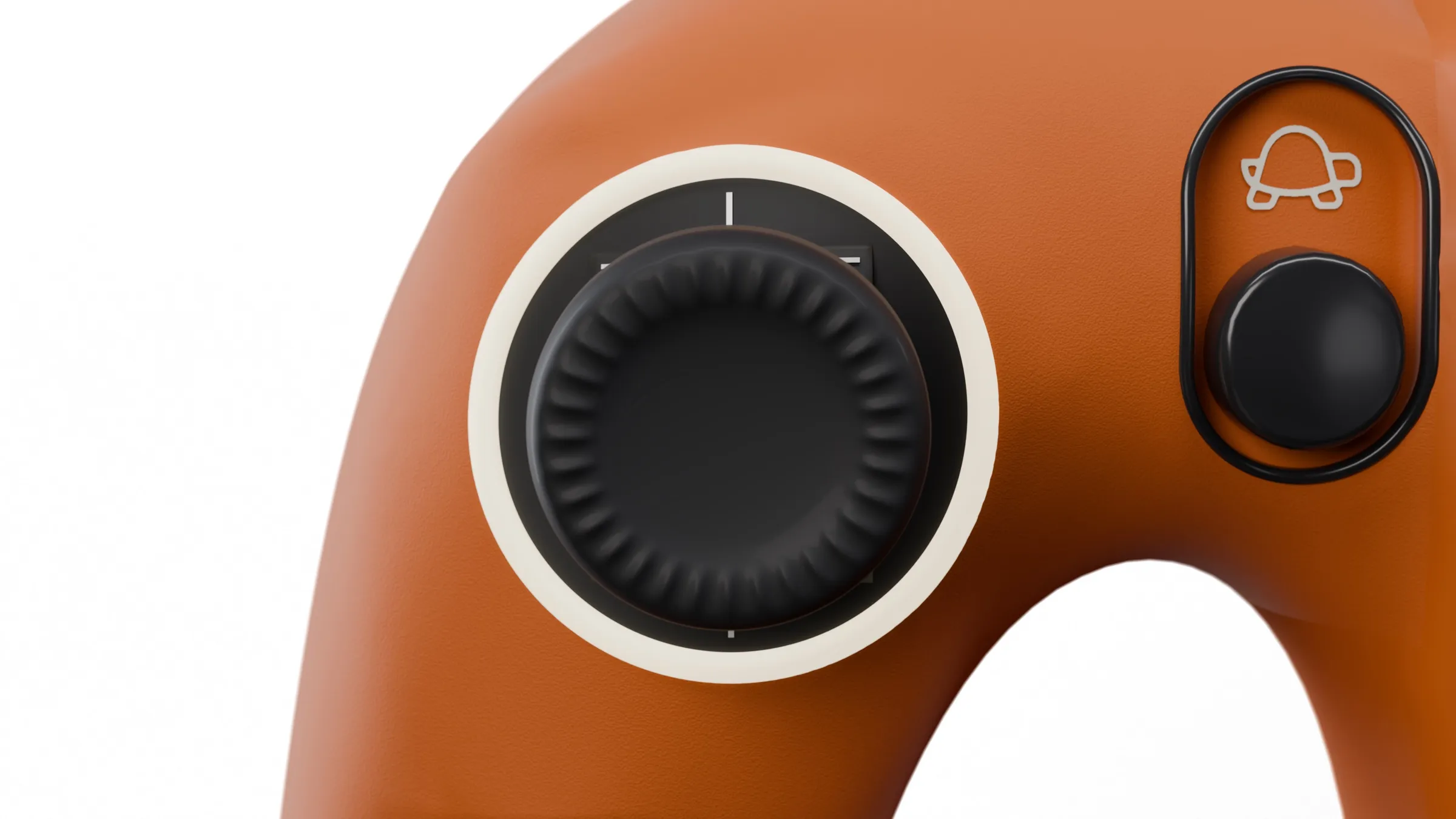
The stone clicks into one of eight magnetic points on the edge that you can feel. The element in front of it is highlighted, like a hover.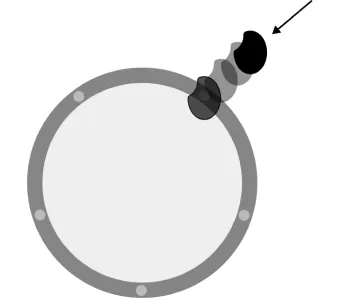
2 Slide
Moving along the edge scrolls through lists, messages or days.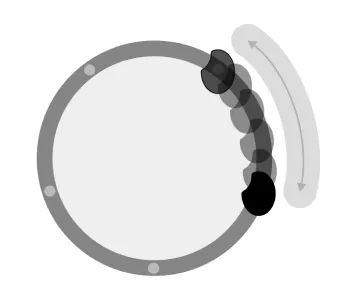
3 Press
Pressing the stone confirms the selection, like a click. At first, simply leaving the stone in place was meant to confirm. But a fixed waiting time doesn’t suit everyone, because some people read for longer, and it doesn’t feel like a real decision.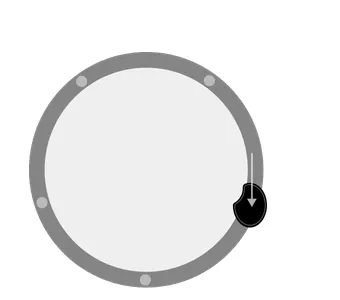
Mood instead of search
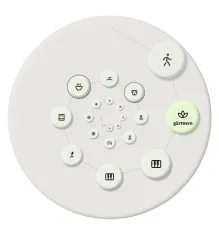
Konekt asks what you feel like right now, such as nature or company, and highlights matching meetups. You don’t need to know what you are looking for.
Time as a spiral
The suggestions start at the present and lead further into the future as you move the stone. What happens soon is closest.
Kaius
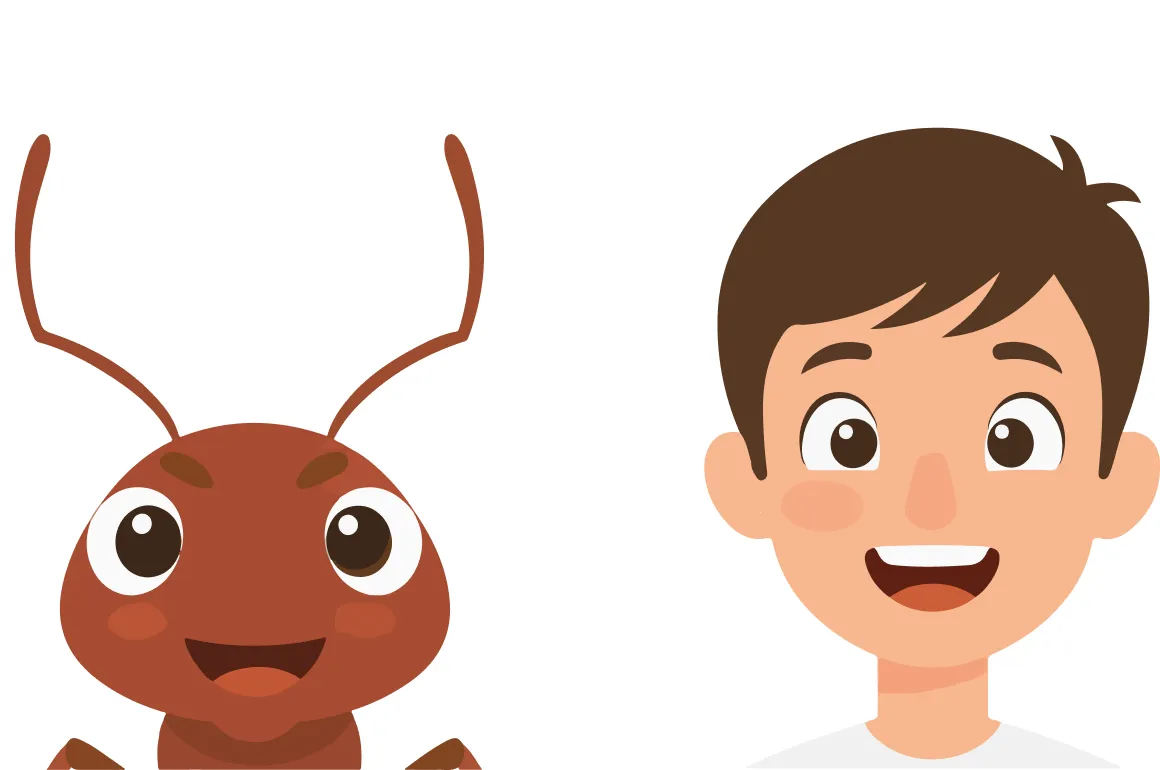
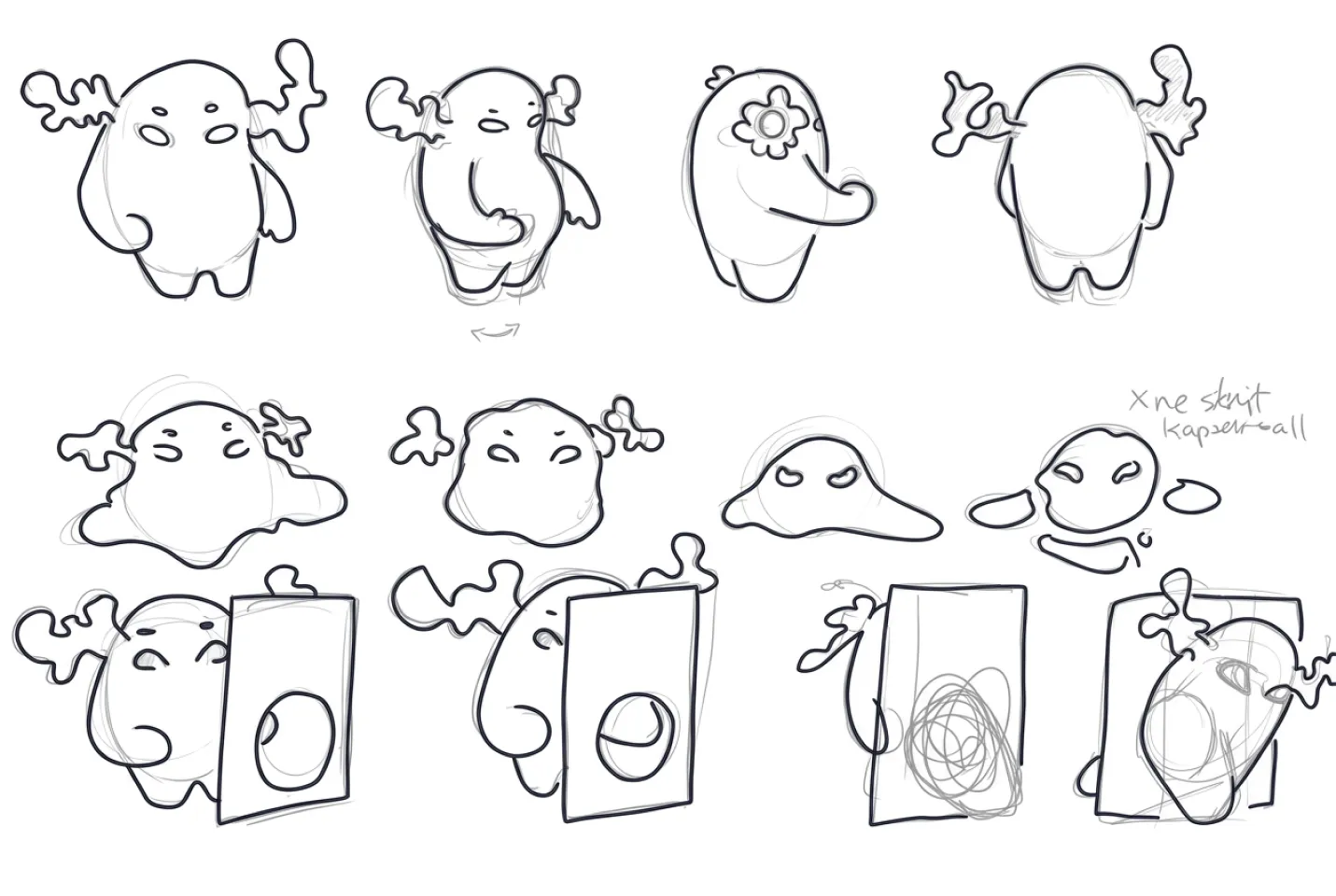
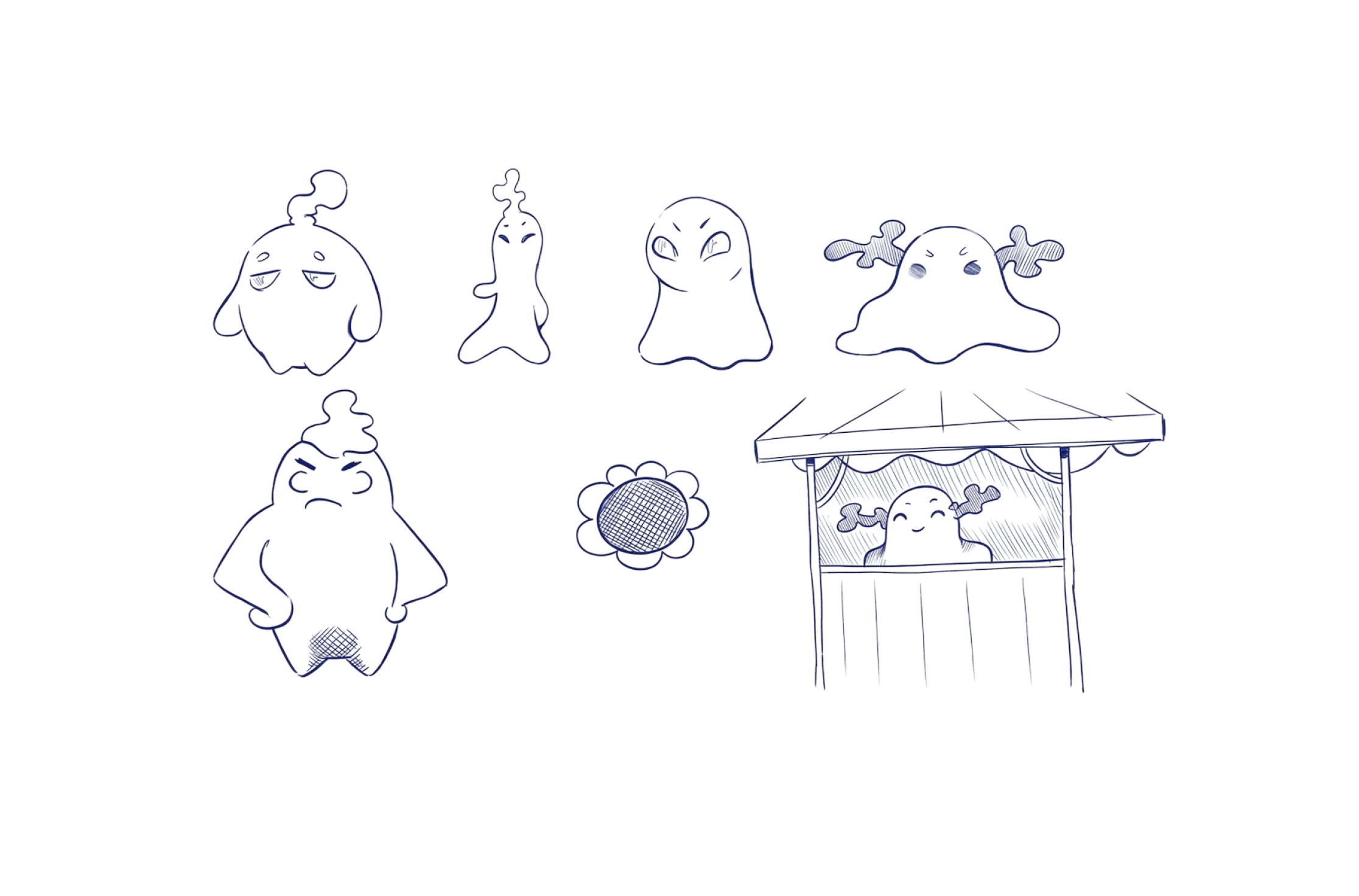
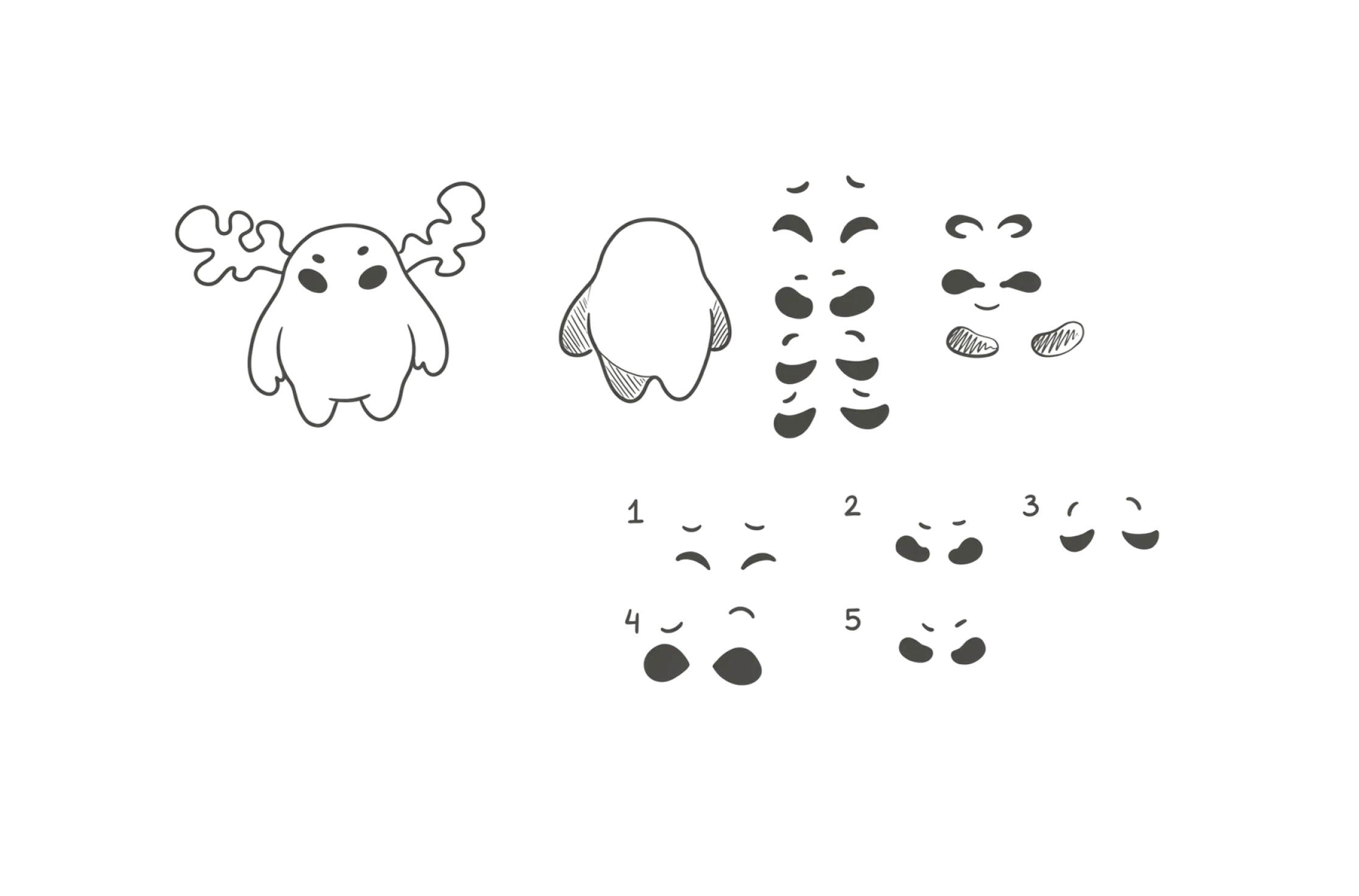
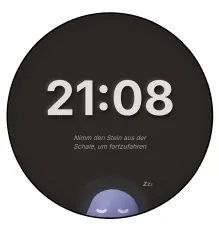
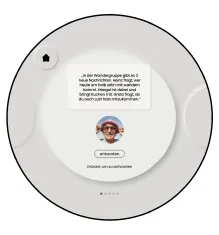
Konekt can also be operated by voice. Older people in particular are often unsure about this, because they aren’t used to talking to a device, and it isn’t clear when it is even listening. That’s why there is Kaius, a small figure with eyes and a mouth. Kaius appears whenever you can say something or the device itself is speaking. He listens and answers. When idle, he sleeps.
At the same time, Kaius takes away the inhibition of speaking into a device. You are still talking to a machine, but not into the void: you can see that your input arrives. The human features are deliberately only hinted at.
Pendant
The concept includes a pendant for your key ring. If you get to know someone at a meetup, you briefly hold your pendants together, for example via NFC, and are connected from then on. If you meet Ingrid at a crochet class, you then see that she goes hiking, and maybe you join her.
There are deliberately no suggestions for people nearby, no following and no friend requests on the device. This protects against misuse and keeps Konekt from becoming yet another typical social network. You can only connect if you have really met.
Messages
Your own phone can be connected to Konekt, but you don’t have to use it. Messages appear on the station, and a local AI model briefly summarises long ones.
This turns group chats into a short briefing: the family is planning a barbecue, has two dates in mind, decides who brings what and asks whether you’ll take care of dessert. People who can’t or don’t want to take part digitally anymore often only learn the date at the very end, by phone. This way you plan along actively instead of being left out.
Implementation
Functional Prototype
We built the first functional prototype as a makeshift setup with a rectangular display, before we got a round one earlier than planned.
Our first approach worked like a giant potentiometer: a rail around the display was built as a large voltage divider. Depending on the stone’s position, a different voltage resulted, from which we calculated the position. This basically worked, but the values fluctuated too much to rely on.
So we switched to fixed positions. Eight reed sensors in the edge of the housing react to a magnet in the stone and report clearly via an Arduino where the stone is. This was stable and precise and covered two of the three gestures: placing and sliding.
For pressing, we built an ESP32-C6 with a button and battery into the 3D-printed stone. It sends the confirmation wirelessly over Wi-Fi to the system. Position detection and confirmation stay cleanly separated, and the click happens exactly where the stone is.
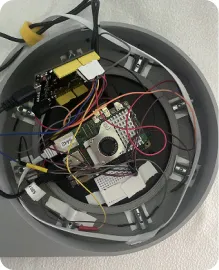
A Raspberry Pi drives the round display and sets up its own Wi-Fi network, which the stone uses to communicate. An Arduino reads the reed sensors.
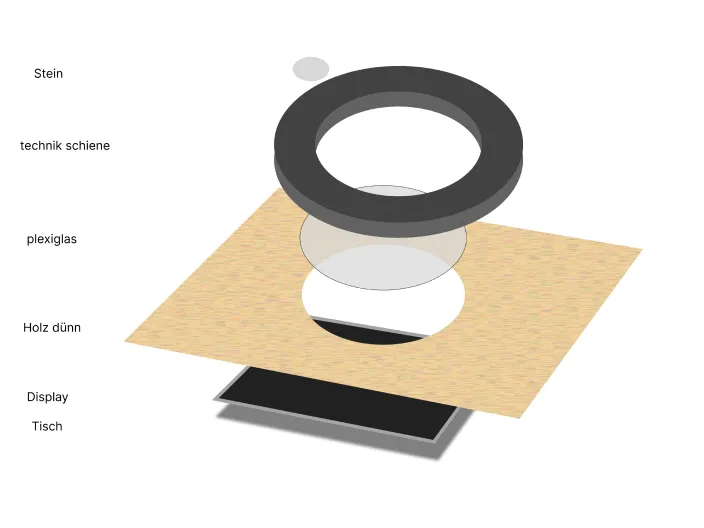
First build with a rectangular display
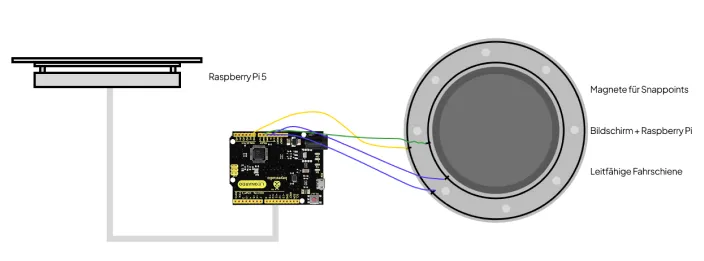
Voltage divider on a 3D-printed edge
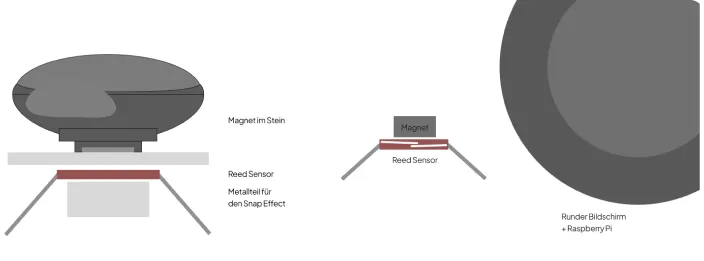
Reed sensors in the edge of the housing
Soldering the sensors
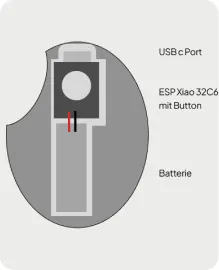
Stone: layout
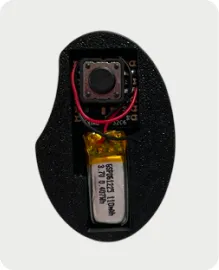
Stone: build
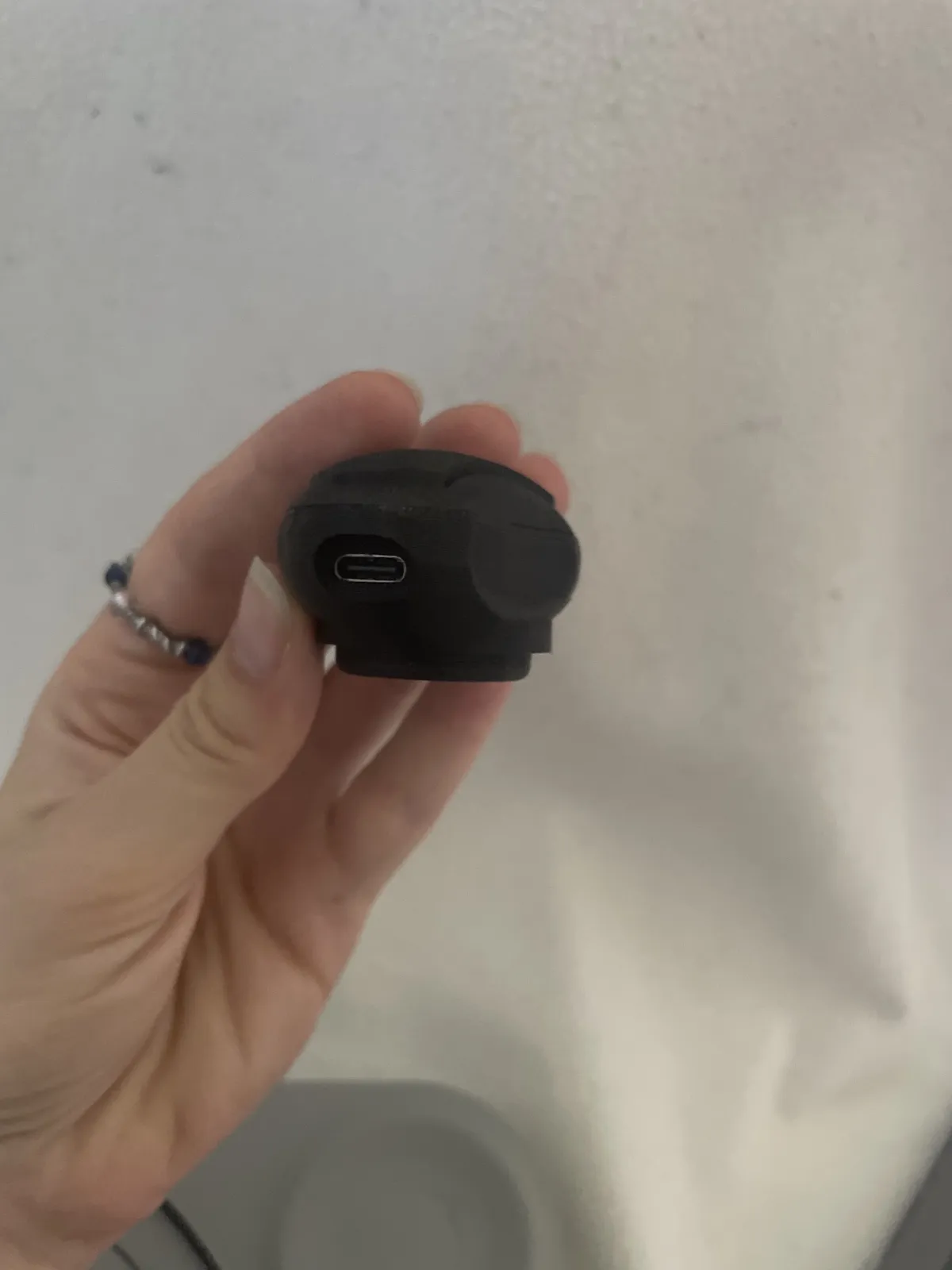
Stone: side view
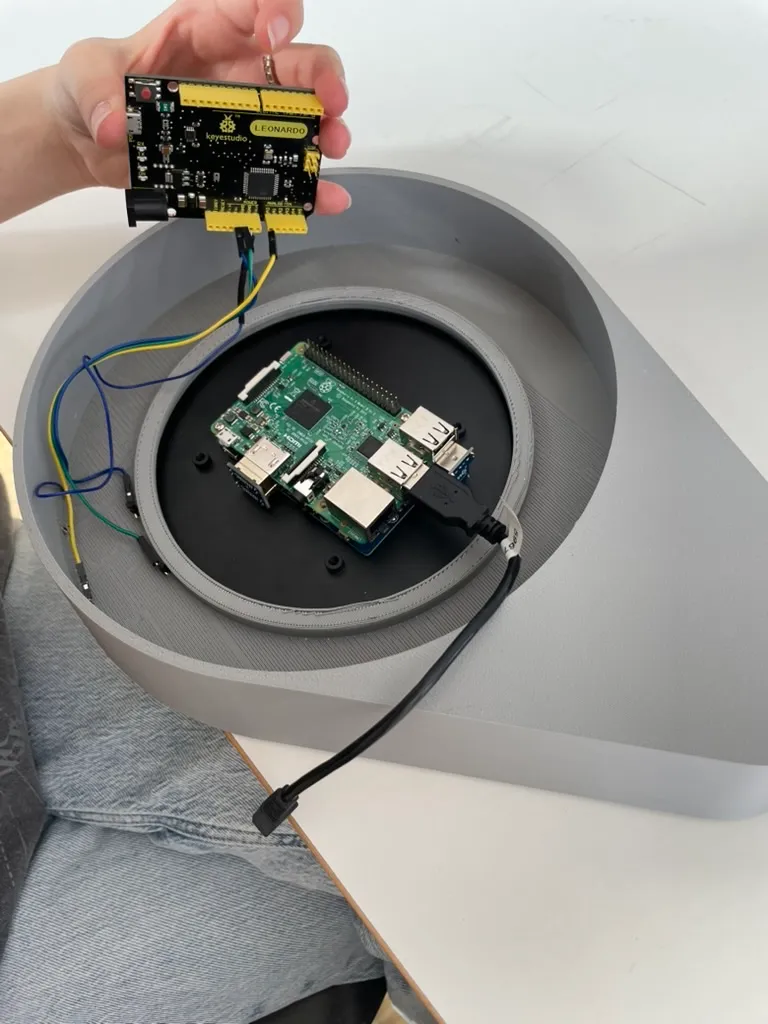
Raspberry Pi and Arduino
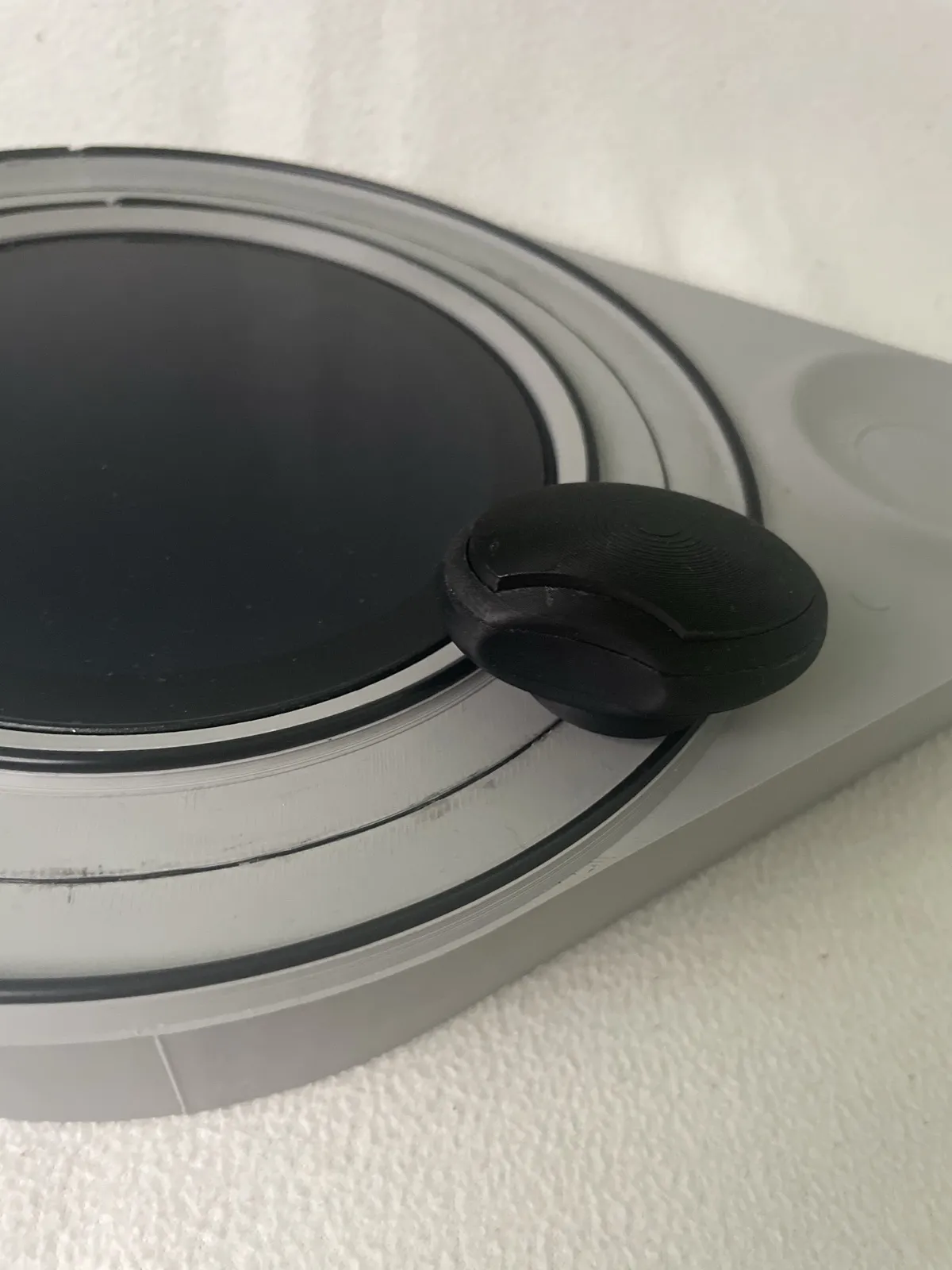
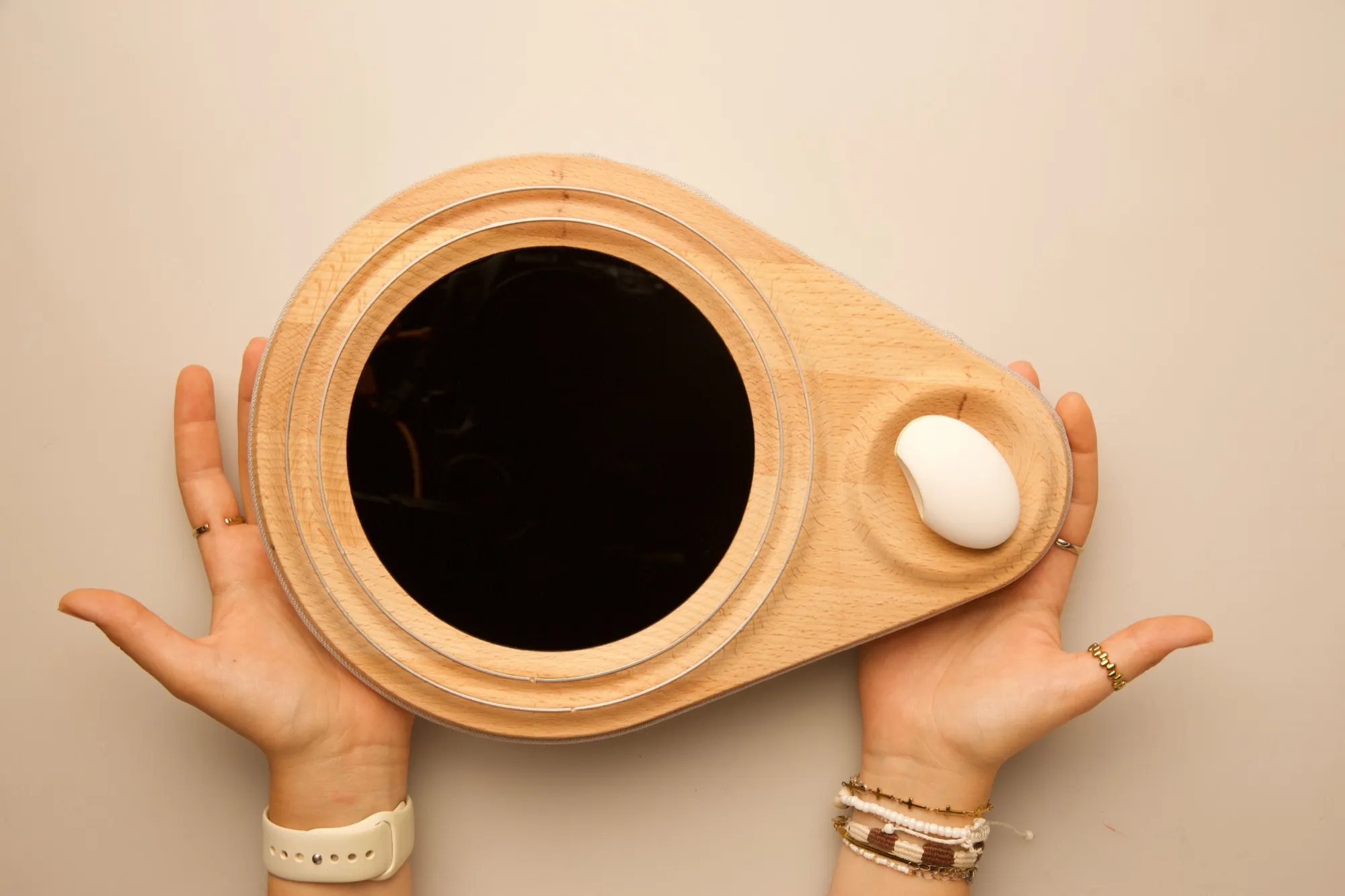
Station with stone
Web App & System Architecture
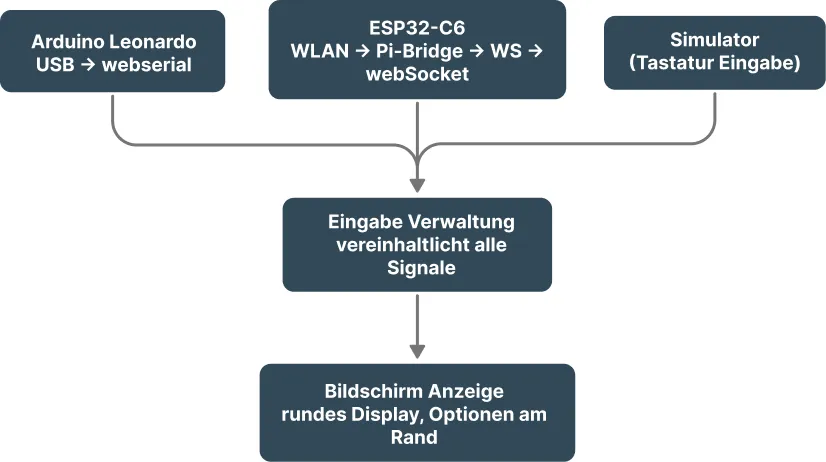
The interface runs as a web app in the browser on the Raspberry Pi. All inputs come together in one place: the position from the reed sensors, the click from the stone and, for testing, the keyboard. Konekt collects events from online sources, newspapers and notice boards and filters them by location.
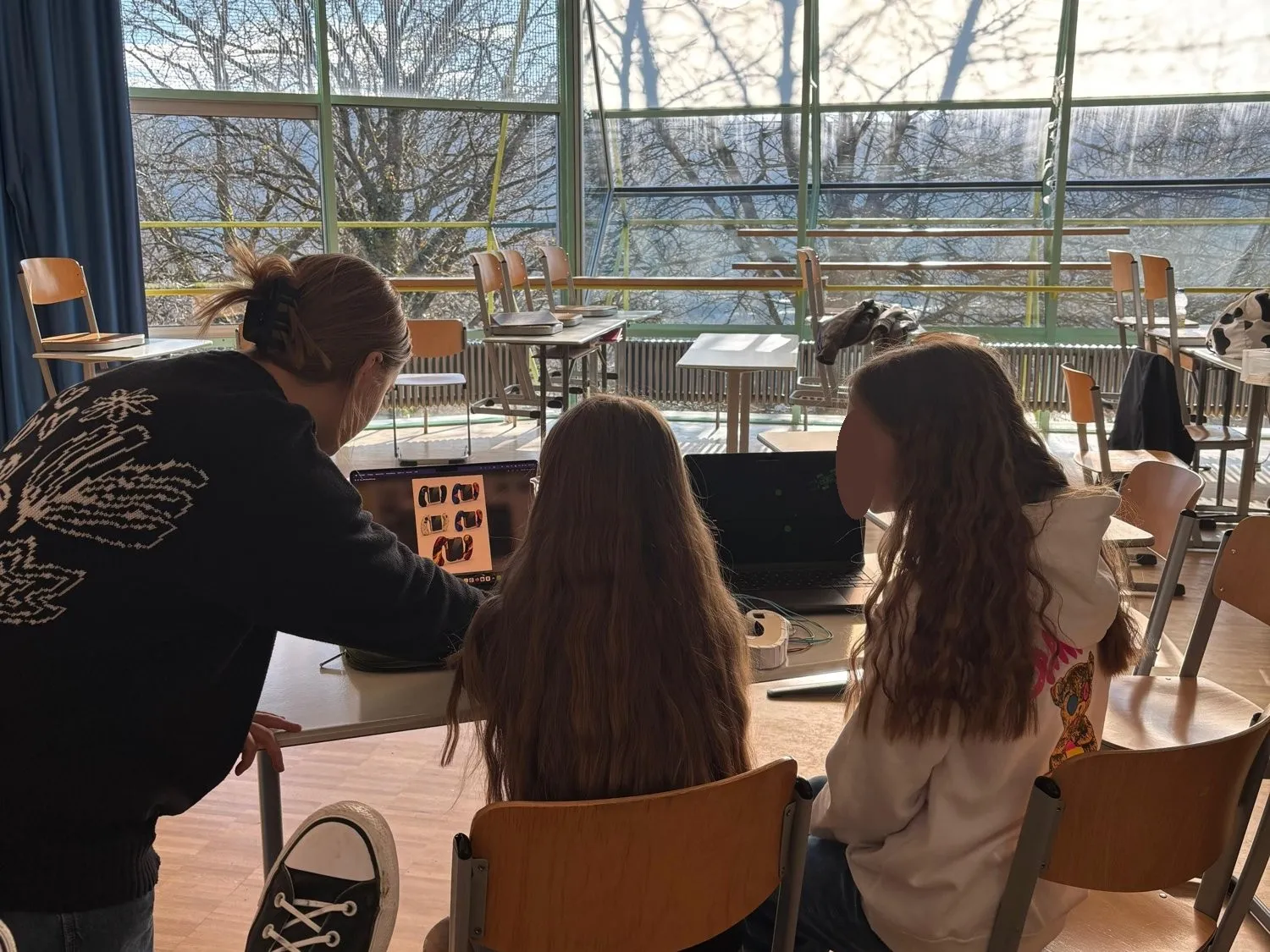
As soon as the app was running, fellow students tried out the prototype. Especially those who used it quickly and carelessly uncovered bugs that we were then able to fix.
With AI, in our case Claude Code, we were able to build much more. It was important to us to use AI as a tool and to plan in a structured way so as not to lose control.
Form Finding
Konekt should not be a device your grandchildren set up for you because you can’t manage otherwise. Many existing products for older people mother their users or treat them almost like children. Instead, Konekt should come across respectfully, be a beautiful object and evoke a good feeling rather than rejection. This aim shaped many design decisions.
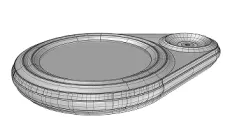
Konekt fits calmly into the home and deliberately doesn’t look like a smartphone. The moodboard draws on a Zen garden: matte plastic, light textile, wood and a few metallic details. The round display was a deliberate decision, because only then can the stone be guided along a rail all the way around the screen. The rail recalls the ripples that appear when a stone falls into water.
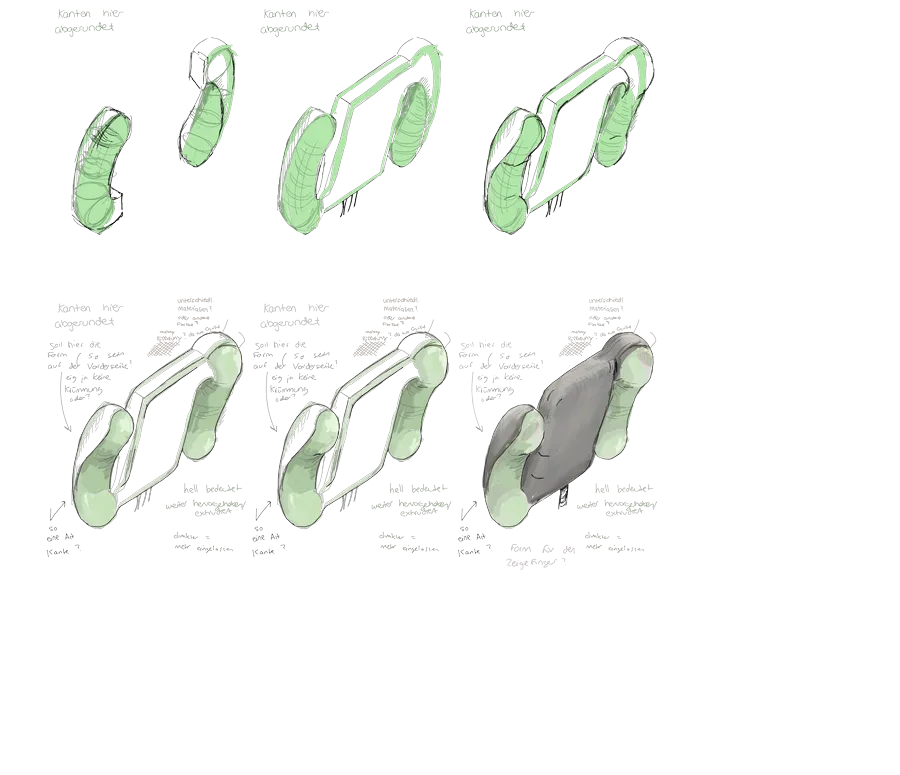
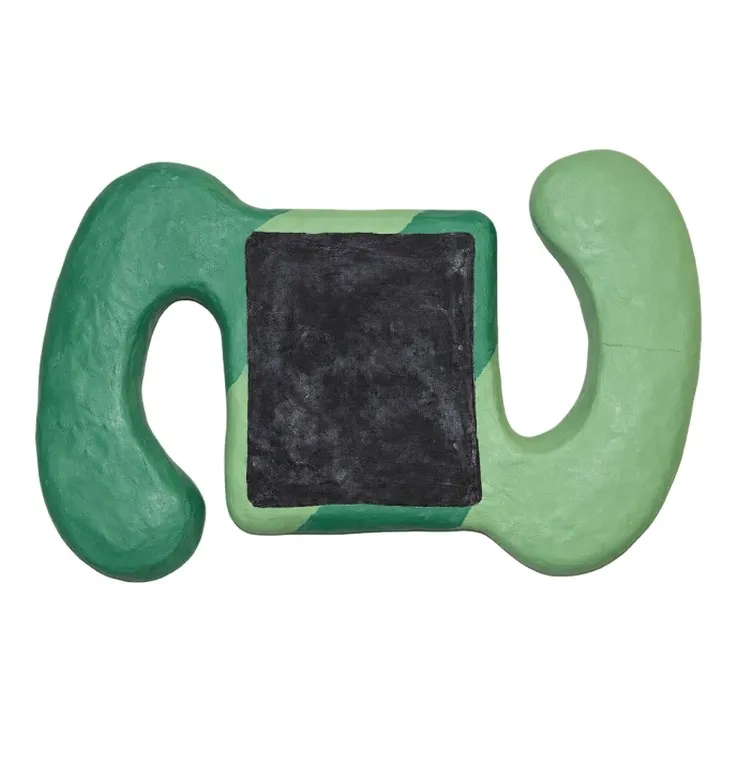
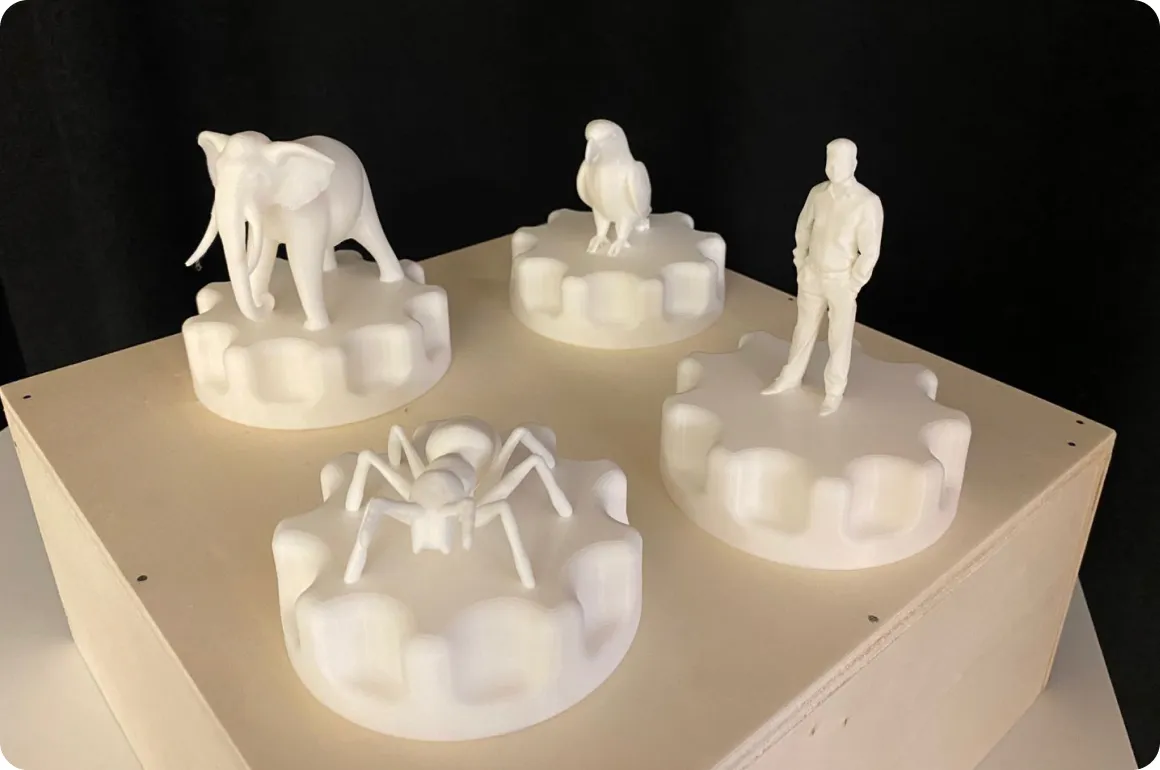
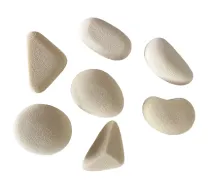
For the stone we built and tested foam models, and an ellipse sat best in the hand.
Screen Design
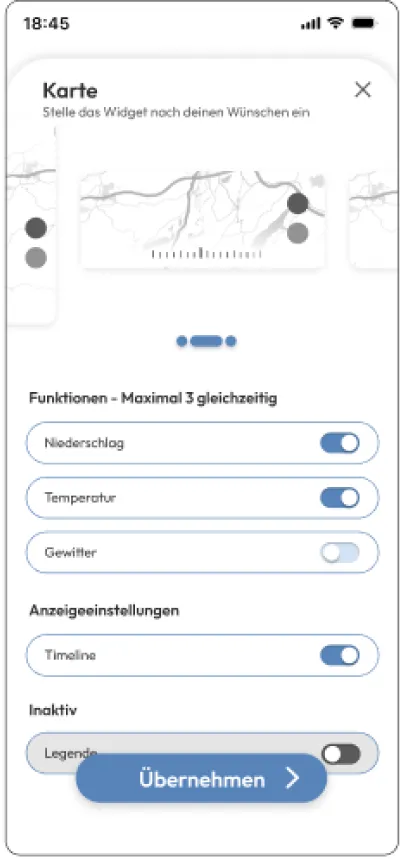
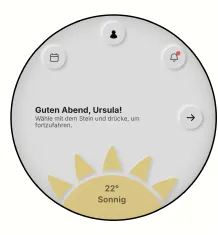
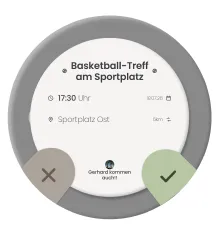
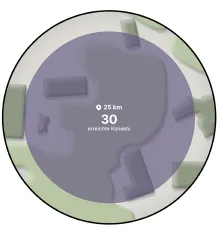
Little space and unfamiliar layout patterns made the round display the biggest design challenge. Over many iterations, the main question was what really matters and what can go. Suggestions sit on a spiral that starts at the present. Sliding the stone moves you further into the future, and meetups that match the chosen mood are highlighted.
The interface picks up the shape of the display: soft shadows, muted greens and violets. Recurring elements such as confirm, decline and the placement arrow make the interaction predictable.
The screen design was mainly done by Paula. I helped design it and implemented the screens in code.
Result
Result
In the end we had a fully worked-out concept, a functional prototype and a design prototype.
With the result, we tested Konekt with many people, several of them of retirement age. Some spent ten minutes or longer with the station and talked to us about the idea. That was a particularly lovely moment in the project for us. The feedback from the older testers was very positive: several said they would like to have Konekt and asked when they could buy it.
Outlook
The next step would be structured tests with people who are just retiring. But the principle reaches beyond this first target group. Many younger people also find their phone use stressful and want to reduce it without losing touch. Because Konekt summarises relevant messages, you stay connected even when your phone is put away.
People who move or simply want to try something new can find local connections more easily through Konekt. That’s why we see a lot of potential in the device, including for very different user groups.
My Role
The core idea was mine. I co-developed the concept, information architecture and interaction principle in the team, and helped build the research and the AI personas. I organised the process and assigned tasks. On the technical side, I implemented the web app and the system architecture and helped with the wiring. Above all, I learned how to approach a large team project in a structured way.